

Classroom Information for South Orange FH 122
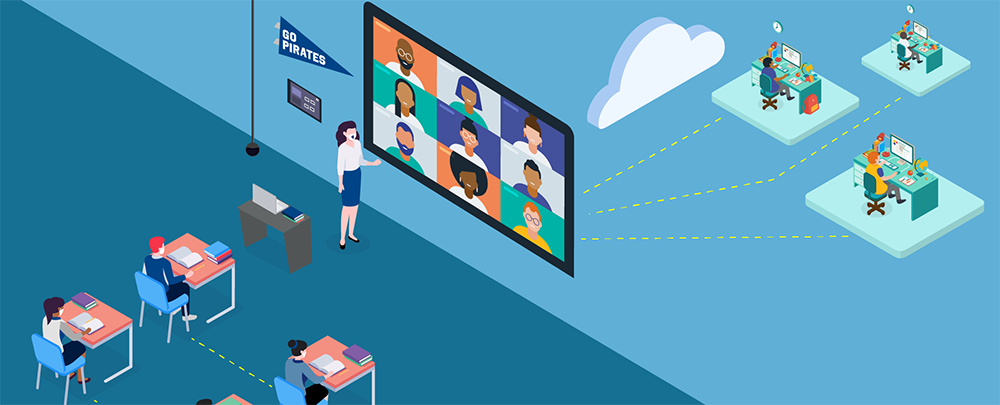
In this Bring Your Own Meeting (BYOM) classroom, the instructor connects to the projector or display using the HDMI cable available in the room or via AirMedia/Solstice, where supported. In addition, the instructor can connect their laptop directly to the room's camera and microphone system through the USB connection provided at the wall plate. This allows Microsoft Teams participants to see and hear everyone in the classroom using the room's integrated audiovisual equipment. Instructors may join their Teams class from their laptop, share content with remote participants, and utilize the classroom camera and audio system. Students can also share content with the class using either AirMedia or the HDMI connection available in the room.
Equipment
- Wireless Gateway: Airmedia
- Control Type: Touch
- Primary Display: Projector-Manual Screen
- Universal Web Conference Capable: Yes via USB Cable
- Teams Appliance: No
- Secondary Display: None
- Microphone Type: Ceiling
- Lecture Capture: Teams Recording
- Camera: HD Wall Camera
