

Classroom Information for South Orange DH 60
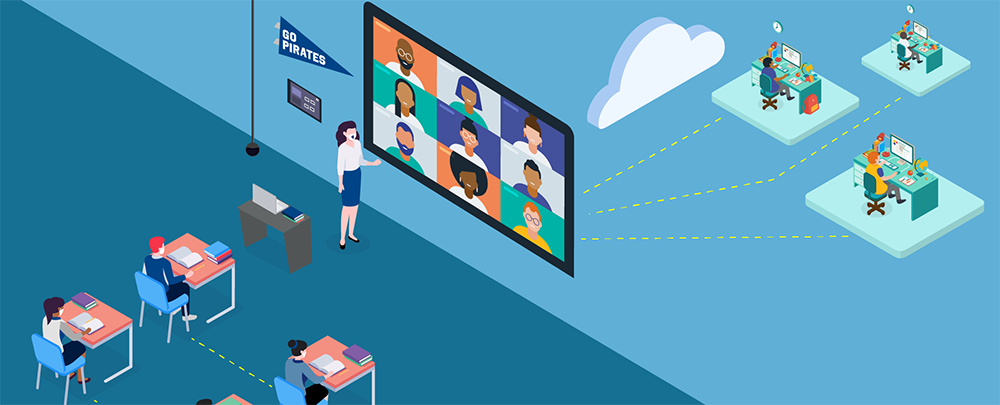
In this Standard classroom, the instructor connects to the projector/screen using the HDMI cable in the room or by using Airmedia/Solstice, where available. The instructor may join the Teams class on her/his laptop and share the material to any remote participants screens. Students are also able to share their screens/content with the entire class via AirMedia or the HDMI cable in the room.
Equipment
- Wireless Gateway: Airmedia
- Control Type: Touch
- Primary Display: 6 Monitors-Huddle Enabled
- Universal Web Conference Capable: No
- Teams Appliance: Yes
- Secondary Display: None
- Microphone Type: None
- Lecture Capture: Teams Recording
- Camera: Webcam

Disclaimer: Room availability, technology, and layout may differ slightly than what is seen here.